


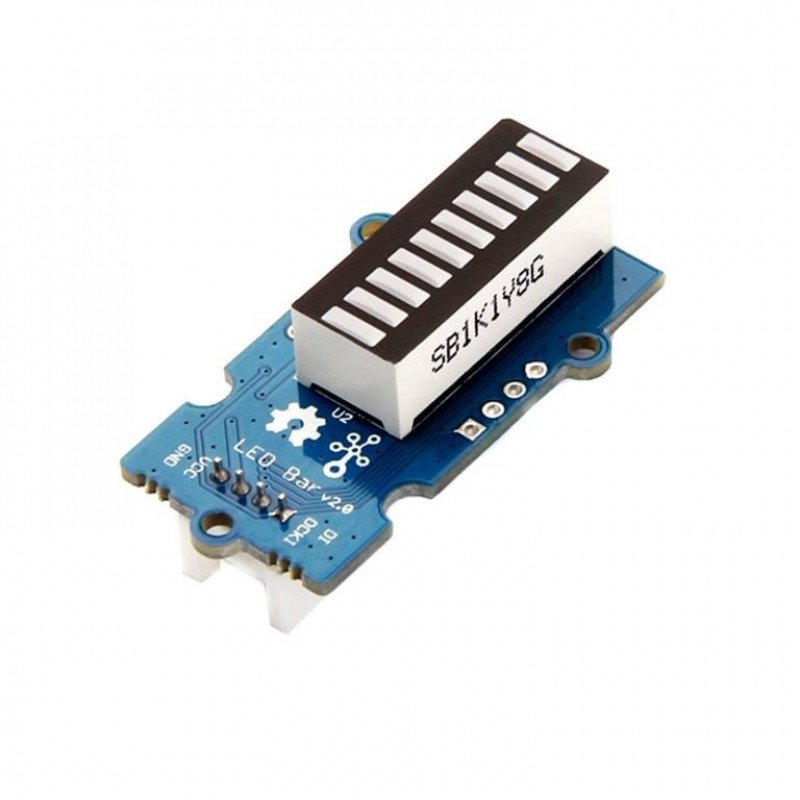
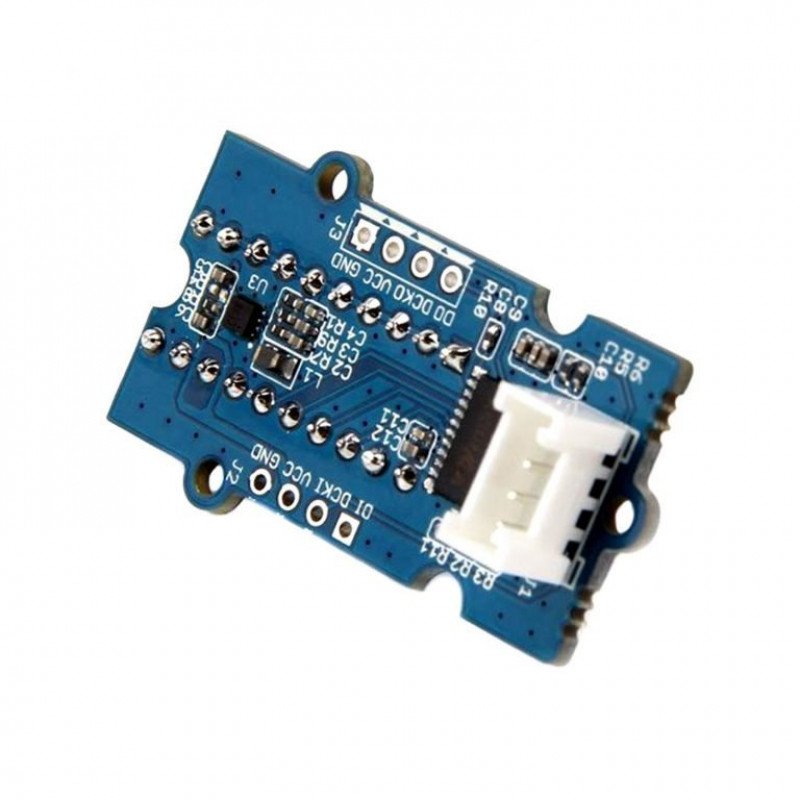
SeeedStudio Grove LED Bar v2.0 Module
Do you want a gradient display with LED bars? We have Grove LED Bar v2.0 especially for you. It is an upgraded version of Grove LED Bar v1.0. Furthermore, it is comprised of a 10 segment LED gauge bar and an MY9221 LED controlling chip. The 10 LED bars in the LED bar graph include one red, one yellow, one light green, and seven green bars.
You can create your own programs and run on this LED Bar. You can use it as an indicator for the following purposes.
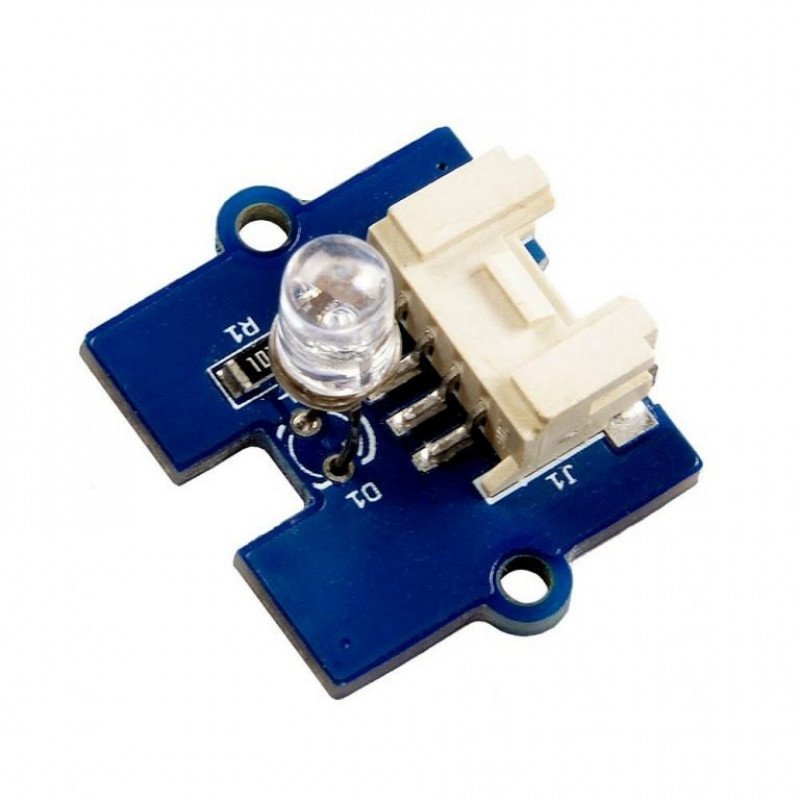

SeeedStudio Grove Multi Color Flash LED 5 mm Module
Would you like to have a colorful flashing LED in your project dashboard? Of course! Then, the Grove Multi Color Flash LEDs (5 mm) is perfect for you. It produces light radiation of various colors such as red, green, blue, and white. With two mounting holes on the PCB and a grove connector, this product is very easy to use. Its ingenious PCB design enables you to bend the LED to any position you want and that's why you can use the LED in standalone, horizontal or the Panel Mount position (as shown in the following image from left to right). You can use the LED in any of these positions you want!
You wont need to have separate LEDs for each color when you are using this LED. Just one LED can produce multicolor lights in your projects and you can also buy many of these Grove Multi Color Flash LEDs to make your project more interesting with colorful lights.
For all Grove users (especially beginners), Seeed Studio provides guidance PDF documents. Please download and read through Preface Getting Started and Introduction to Grove before using the product. This is a suitable product for not only Grove users but also all electronic enthusiasts. So, why wait? Buy now!


SeeedStudio Grove Red LED Button Module
Do you want to design your project dashboard with an interactive Light Emitting Diode (LED) push button? Why not? This Grove Red LED Button comes with a lovely combination of colored LED and a tactile push button. With this button, you wont need to install any separate LED to show the ON-OFF status of a button, because the button itself shows the status with the built-in LED.
A high-quality N-channel Metal Oxide Semiconductor Field Effect Transistor (MOSFET) is used to control the LED and to ensure high switching speed as well as low power consumption; moreover, this Grove Red LED Button is stable and reliable with 100000 times long life.
You can apply this button to many interesting projects and it is really useful to use a built-in LED to show the status of the button. Since LED and switch are combined together, this Grove LED button requires less space in your project dashboard. Therefore it saves space and helps you design your project very well with space limitations. Isnt it wonderful to have such a colorful LED button in your projects? So buy it now and make your project more interesting!
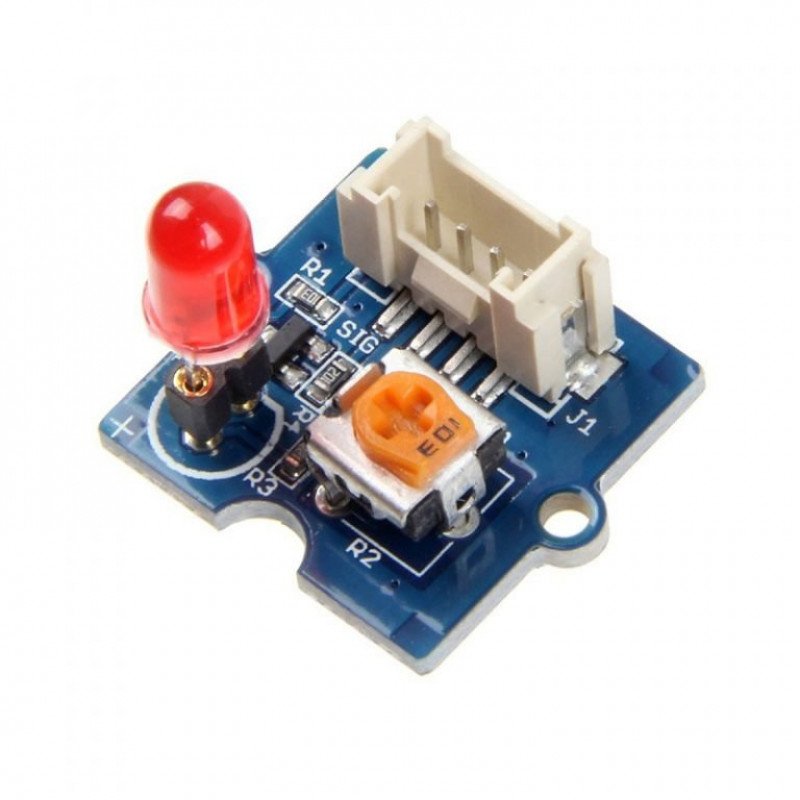
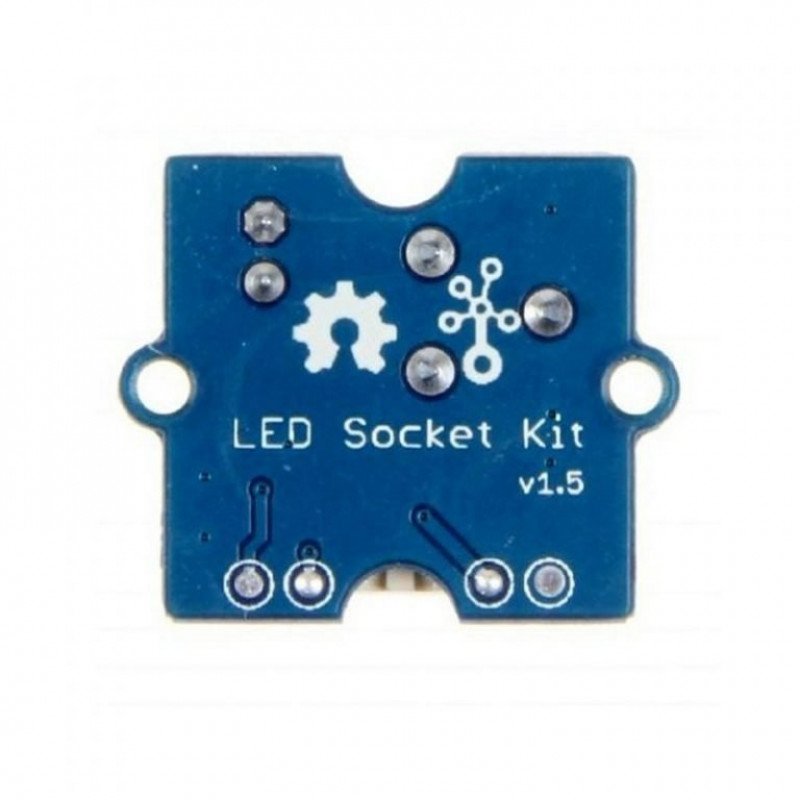
SeeedStudio Grove Red LED Module
Are you searching for LEDs with adjustable brightness as well as adjustable orientation? Then, Grove LEDs are perfect for your need. The Grove Red LED is designed for monitoring controls from digital ports. It is very helpful for the beginners of Arduino and Seeeduino. The PCB of this module has mounting holes, so you can mount it on the required surface of a box or a desk or a prototype.
The Grove Red LED comes with an on-board potentiometer to manage the power requirements of the LED. You can adjust the brightness of the light using this potentiometer; moreover, the Grove LED is similar to the Grove LED module which houses an LED light source. As a result, it can be used as a pilot lamp for power or signal.
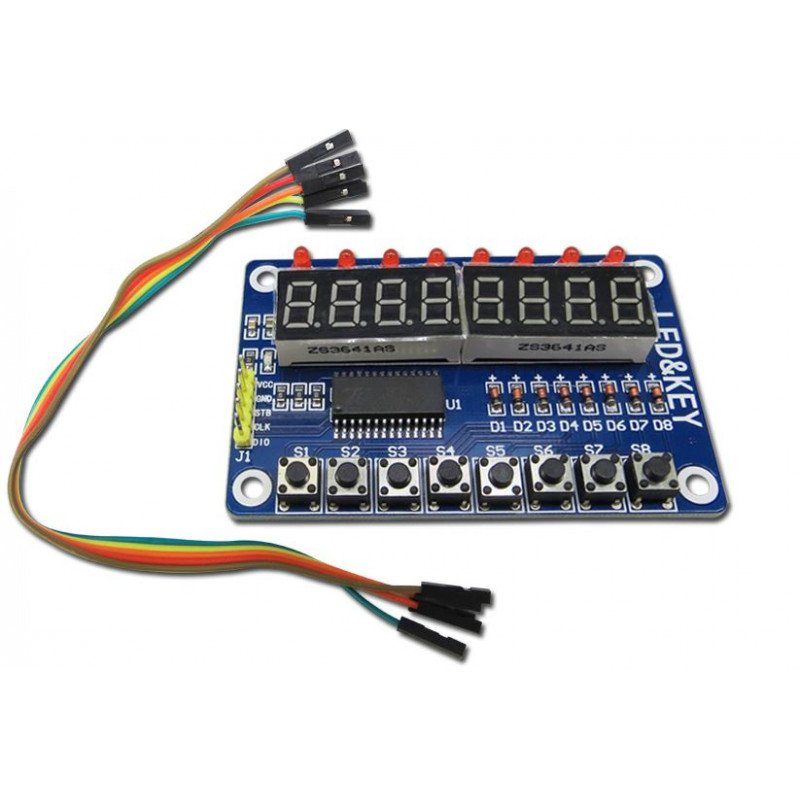

TM1638 8-Bit Button Digital LED Display Module
The TM1638 Button Digital LED Display Module is used in chip TM1638, a collection of these three common MCU peripheral circuit, the biggest feature just takes three microcontroller IO port to drive, do not need to scan display and key scanning microcontroller intervention, only need to read the relevant register send display data or test button, save MCU resources.
We usually use an external microcontroller 8 LED, 8 digital tubes, eight keys which will occupy the number of IO ports, far more than three IO mouth it, but with this module can be achieved. The practical application of key sensitive display good results. Wiring: VCC GND connected to 5V power supply, STB CLK DIO connected microcontroller IO port. The module comes with 8 buttons, 8 LED, 8 digital tube, common cathode LED digital tube, such as STC microcontroller can be directly connected

 Boards & Modules
 ARM Microcontroller
 AVR Microcontroller Board
 Arduino boards
 Advance Development Boards
 8051 Development Board
 Audio Amplifier Module
 Current & Volatage Sensor
 Breakout Board
 Flame Sensors
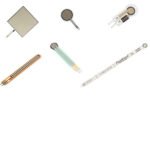 Force Sensor
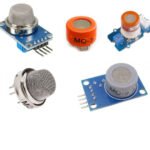 Gas Sensors
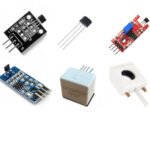 Hall Effect Sensor
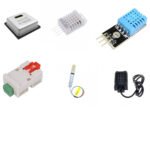 Humidity & Temperature Sensor
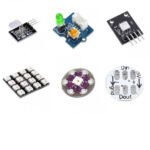 LED Module
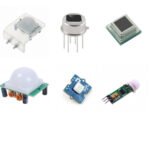 PIR Sensor
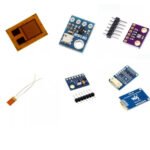 Pressure Sensors
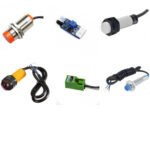 Proximity Sensor
 Relay Module
 Real Time Clock (RTC) Module
 Touch Sensor
 Ultrasonic Sensor
 Water Level & Water Flow Sensor
 Weighing Scale Sensor







 Ai Thinker ESp Wifi Module
 Pic Devlopment Board & programmer
 Led lights & Strips
 PCBs & Breadboard
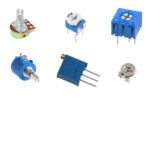 Potentiometer
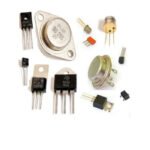 Power Transistors
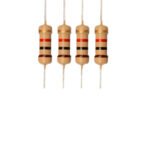 Resistor & Smd & inductor
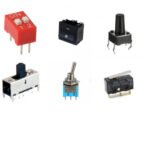 Switches
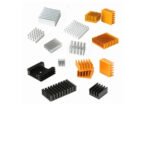 Aluminium Heat Sink
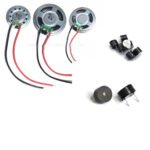 Buzzer & Speaker
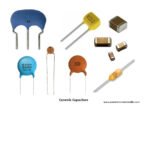 capacitor
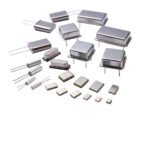 Crystal Oscillators
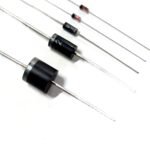 Doides
 Electric Fuses
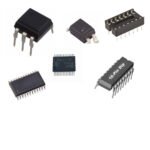 ICs & Dips
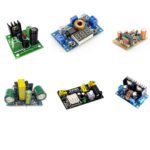 Power supply module
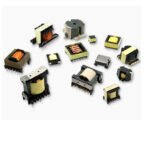 Transformer
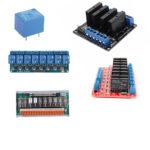 Relay Module
 Kits
Kits Magnet
 RF Connectors
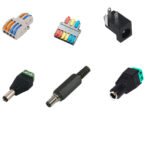 PCT and DC Connectors
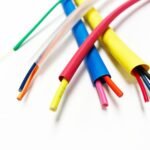 Wires & Heat Shrink
 FFC, FPC, Berg connectors
 Nextion
 Segment
 Seedstudio
 Waveshare
 E Bike Batteries
 E bike Battery Case
 E bike Connectors
 E bike Display
 E bike Kit
 E bike Motors & Controllers
 Electronics Accessories
 Mechanical Accessories
 Display
 Cameras